

Chat
An AI assistant grounded in your Brand Profile, Research, Strategy, and Media Plan outputs.
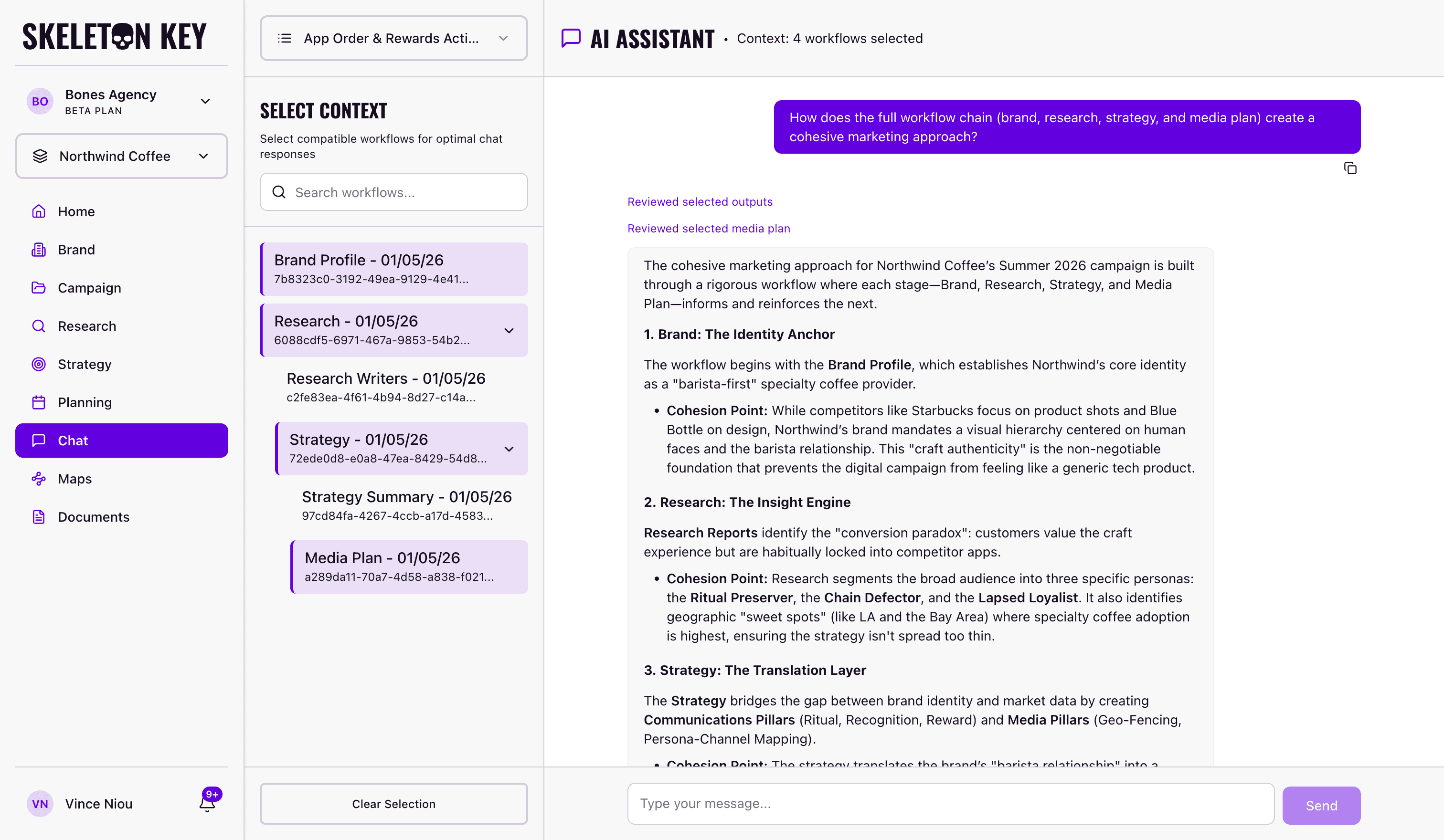
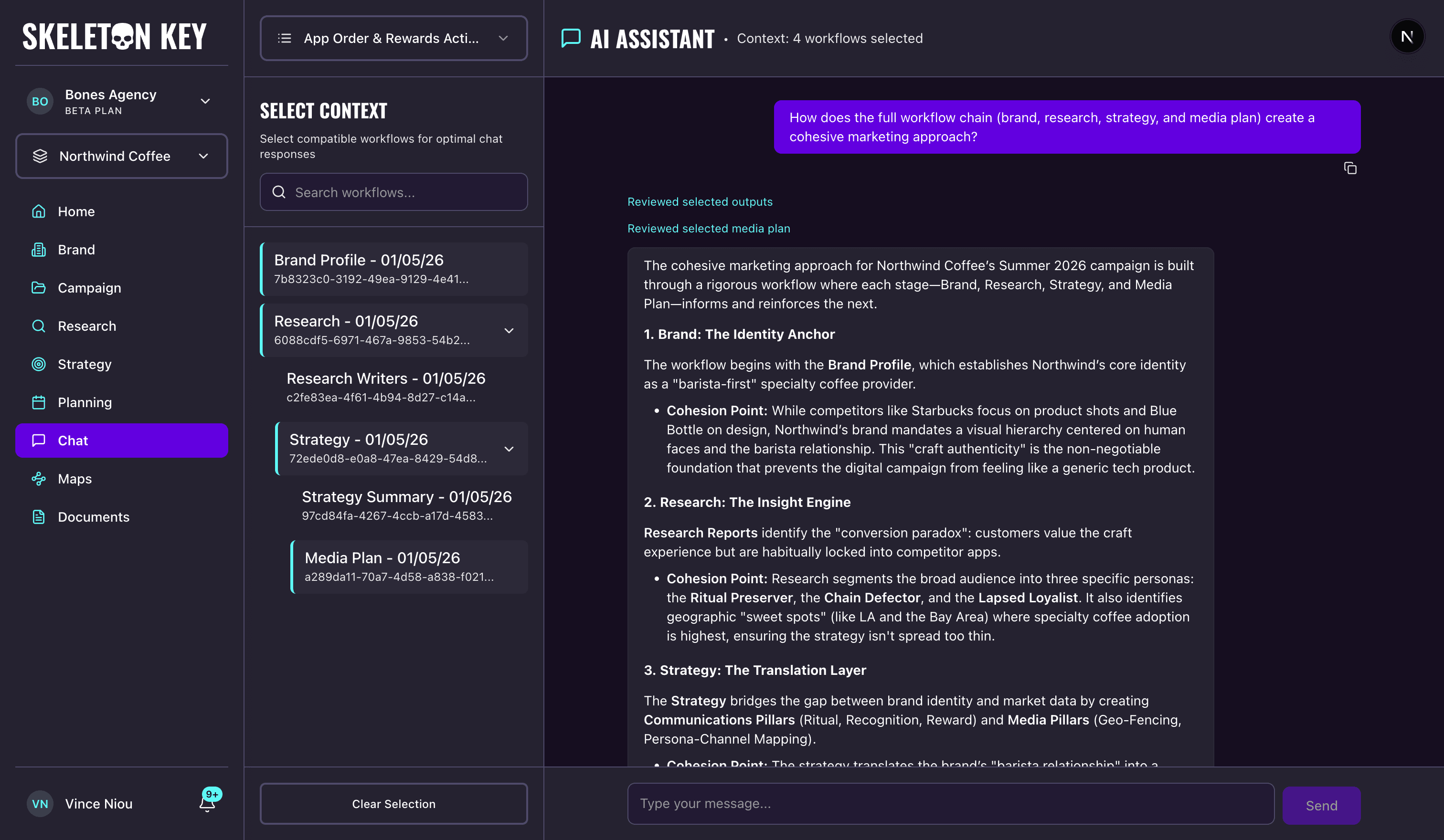
Chat is an AI assistant that answers questions using outputs you have produced in Skeleton Key. It does not search the web. Every answer comes from a Brand Profile, Research, Strategy, or Media Plan you select as context, so you can interrogate your own work without leaving the platform.
Where you'll find it
Chat lives in two places. The dedicated page at /chat is built for longer cross-phase conversations. An embedded panel also slides out on the four output pages: Brand Profile, Research, Strategy, and Media Plan. The panel auto-scopes to whatever you are reading. A small arrow in its header hands the conversation off to /chat, carrying the active brand, campaign, and selected outputs with it.
How it works
On the dedicated page, the left rail has a campaign selector and a Select Context tree listing every workflow available for that campaign. Pick one or more, ask a question, and the assistant streams a grounded answer. A live indicator above the response shows the phase being read, with labels like "Reviewing research outputs" or "Reviewing selected media plan", flipping to past tense once each call finishes. The media-plan label only shows up when a Media Plan is among the selected workflows. Responses render as markdown, and each message has a copy button on hover.
Workflow selection rules
Three rules govern what you can combine on the dedicated page. Brand Profile pairs with anything. You cannot pick two of the same type at once, so no two Research runs, no two Strategy runs, no two Media Plans; disabled rows show a tooltip explaining why. And selections must come from the same lineage chain: pick a Strategy run and only its upstream Research and downstream Media Plans stay selectable.
Panel ergonomics
Drag the panel's left edge to resize between 320 pixels and 80% of viewport width, or double-click to reset to the 480-pixel default; width persists across sessions. The header carries a context indicator that names the source of each answer and expands to show which runs the conversation is reading from. Esc closes the panel and Tab cycles focus inside it. On mobile it takes over the screen and closes with a swipe down. Switching brands, switching campaigns, or changing your selection starts a new session.
Limits and considerations
Chat retrieves only from outputs you have produced in Skeleton Key. There is no web search, and no memory across sessions: a new session starts fresh. Both surfaces require a Brand Profile; without one, the dedicated page shows that a Brand Profile is required first and the panel does not appear on output pages. Chat is beta. Verify anything load-bearing against the source output via cited sources or the context indicator.
Last updated: 2026-04-27