

Refine
Iterate on Research and Strategy outputs without starting over.
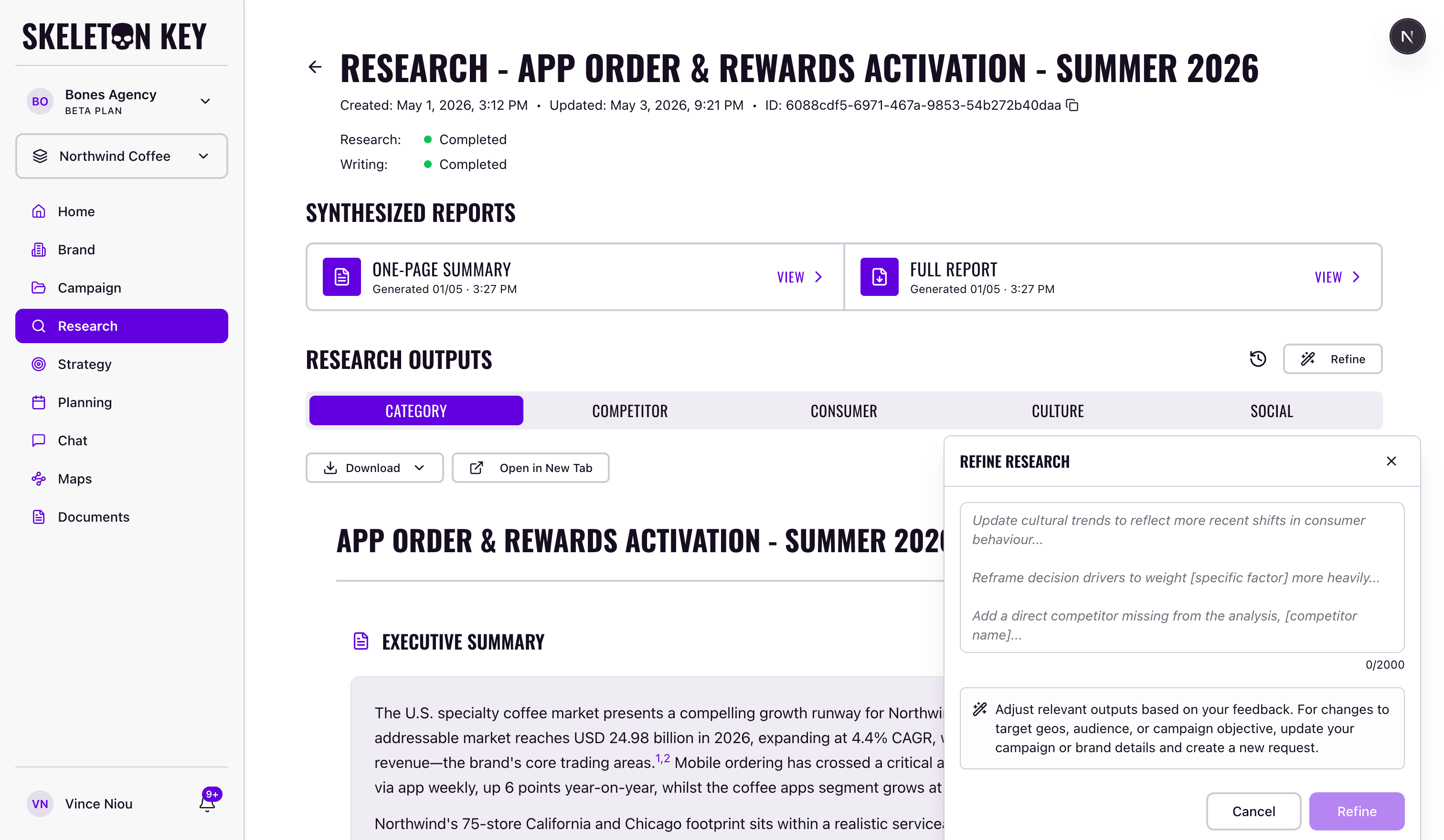
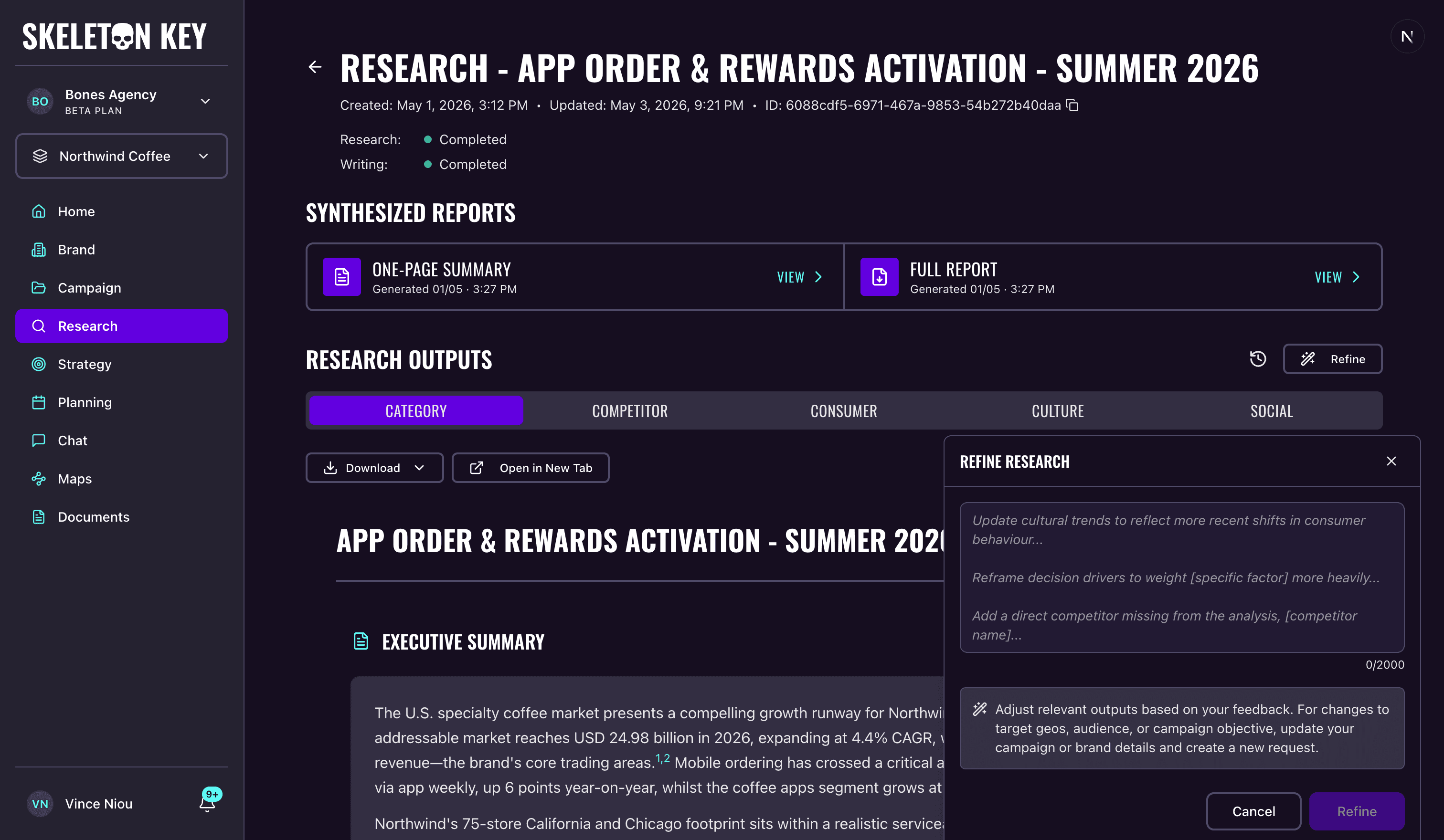
Refine is how you iterate on a Research or Strategy output by sending feedback in plain English. You write what should change, an AI reads your notes against the existing output, and only the agents that need to change actually re-run. The rest of the agents are cloned forward unchanged into a new version, so every tab still has content and the prior version stays intact.
Refine vs rerun
Both produce a new run on the same phase, and both leave the prior version in version history. The difference is what they take as a starting point.
- Refine: improve this with my notes. The prior version carries forward and your feedback is applied on top. Reach for this when most of the output is good and only specific parts need to change.
- Rerun: try again from scratch. The prior version's content is discarded as a starting point and the phase runs fresh against the same upstream inputs. Reach for this when the output missed the mark wholesale.
Where it works
Refine is available on Research and Strategy.
Research has 5 analyst agents (Category, Competitor, Consumer, Culture, Social) that run in parallel. Strategy has 4 strategists (Goals, Audience, Communication, Media) that run in sequence, so each downstream strategist sees the upstream refined outputs as it goes.
Media Plan and Brand Profile do not have a refine affordance. Media Plan supports inline editing on every tab, and saving an edit produces a new run that captures the change directly. To change the Brand Profile, regenerate it.
How it works
On the Research detail page or the Strategy detail page, open the Refine button. A draggable panel slides in with a textarea. Type your feedback. The textarea accepts up to 2000 characters and a counter on the panel tracks how much you have used.
Submit. The panel stays open with a loading state until the run is dispatched, then closes. The page transitions into a running state, and as each agent finishes, its updated output replaces the previous one inline.
When the run completes, look at the tab labels. A small dot next to a tab means that agent was actually refined in the new version. Tabs without the dot were cloned forward unchanged from the prior version. The dot tells you at a glance which parts of the output the AI decided to update.
What gets saved
Every refine produces a new run on the phase, and the previous version stays available in version history on the same page. You can open any earlier version in read-only mode and restore it; restoring produces its own new run that captures the restore event, so you do not overwrite history when you go back.
If your feedback is general enough that no agent needs to re-run, the refine still completes successfully. Every agent is cloned to the new version and the metadata shows a no-changes state. Nothing breaks; the new version is just identical in content to the previous one.
Lineage between a refine and the run it came from is recorded in the run model. See Core concepts for how runs and versions are tracked across the platform.
Limits
- One refine at a time per phase. The Refine button is unavailable while the phase is already running.
- Different phases of the same campaign can refine in parallel. Research and Strategy are independent surfaces, so a Research refine and a Strategy refine can run at the same time.
- Up to 2000 characters of feedback per submission.
- A refine that touches every agent takes about as long as a fresh run. A refine that touches only one or two agents finishes faster. There is no specific timing guarantee.
Last updated: 2026-04-27